
Register a Domain Name
Before hosting a website, you need a domain name, which serves as the website’s address so your customers can find it. Choose a domain name that is memorable, easy to spell, and reflective of your website’s purpose or business.
Check Availability:
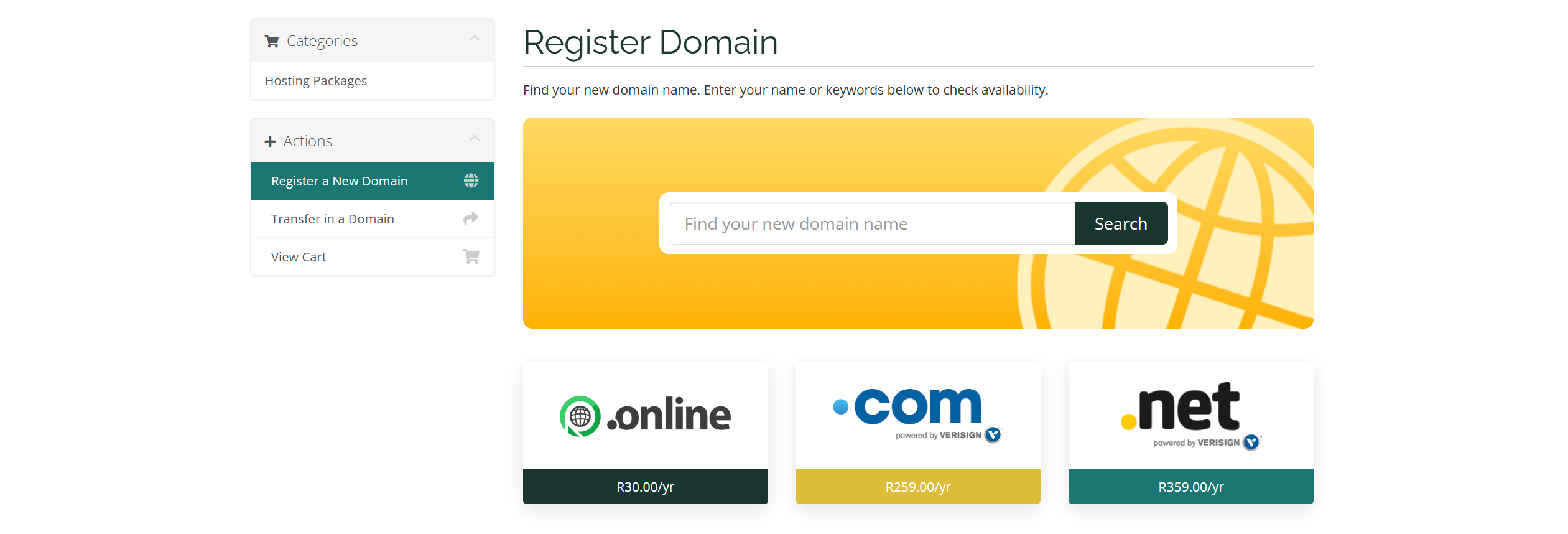
Use our Domain Name Search tool to check the availability of your chosen domain name and extension. If available, proceed with the domain registration process.
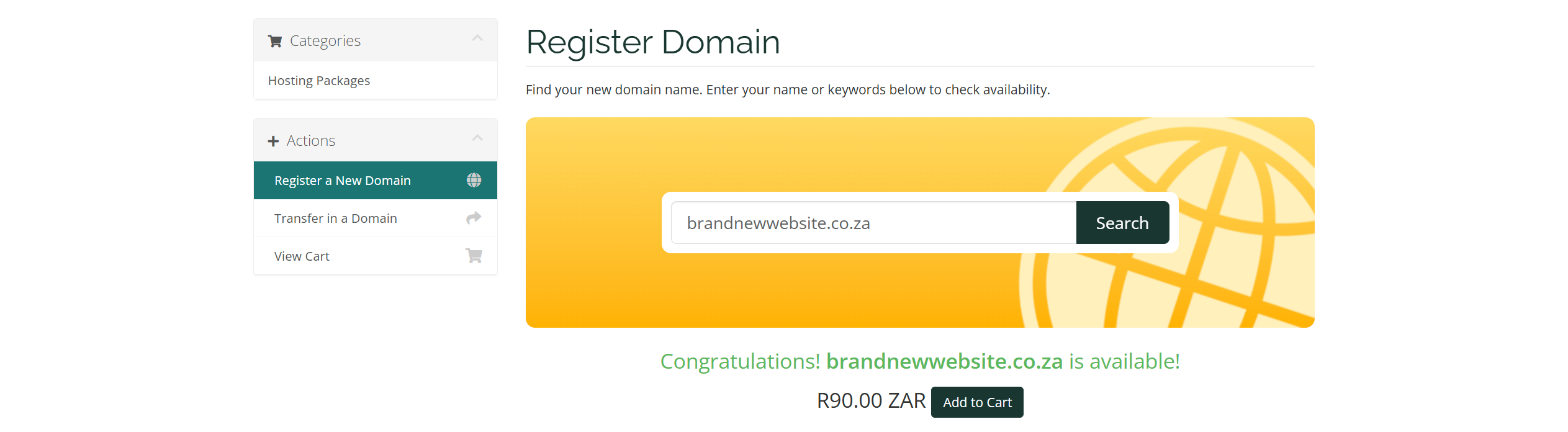
Add to Cart:
Once you've selected a domain, add it to your cart and click the "Checkout" button.
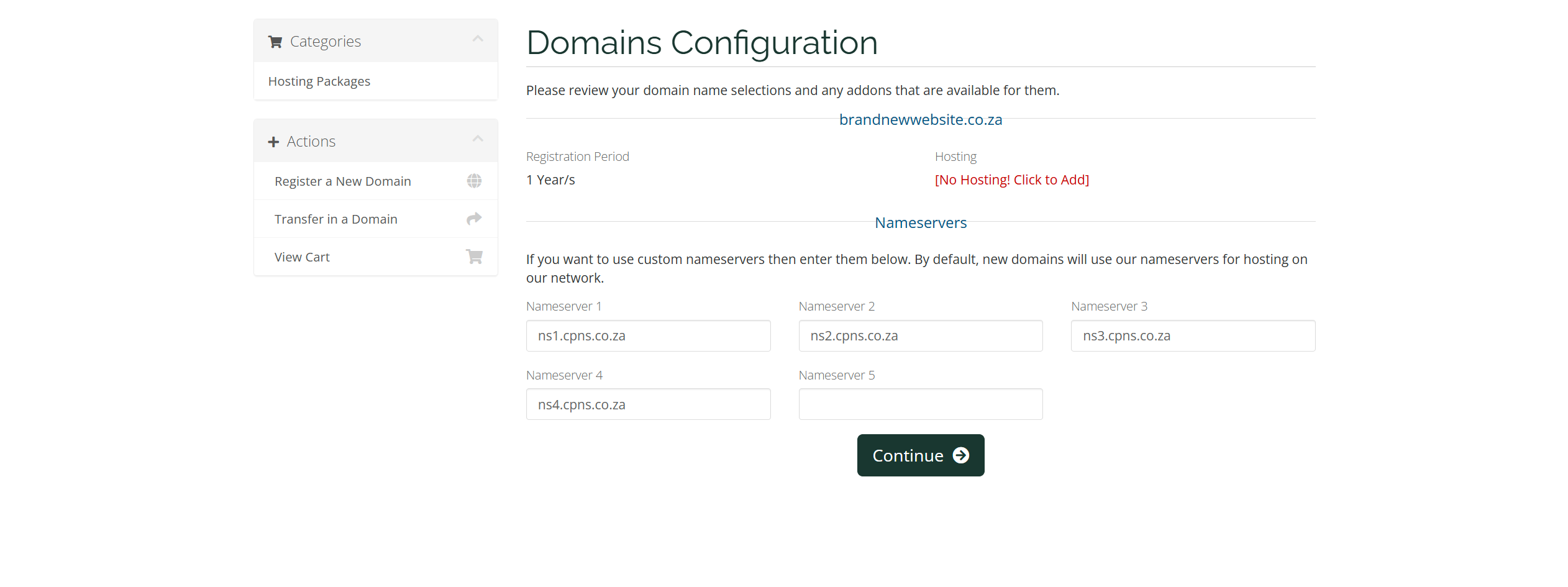
Add Hosting Package and Update Nameservers:
Here, you can add a hosting package if needed by clicking "[No Hosting! Click to Add]". If you’re using custom nameservers, you can also update them at this step. When satisfied with your selections, click "Continue."
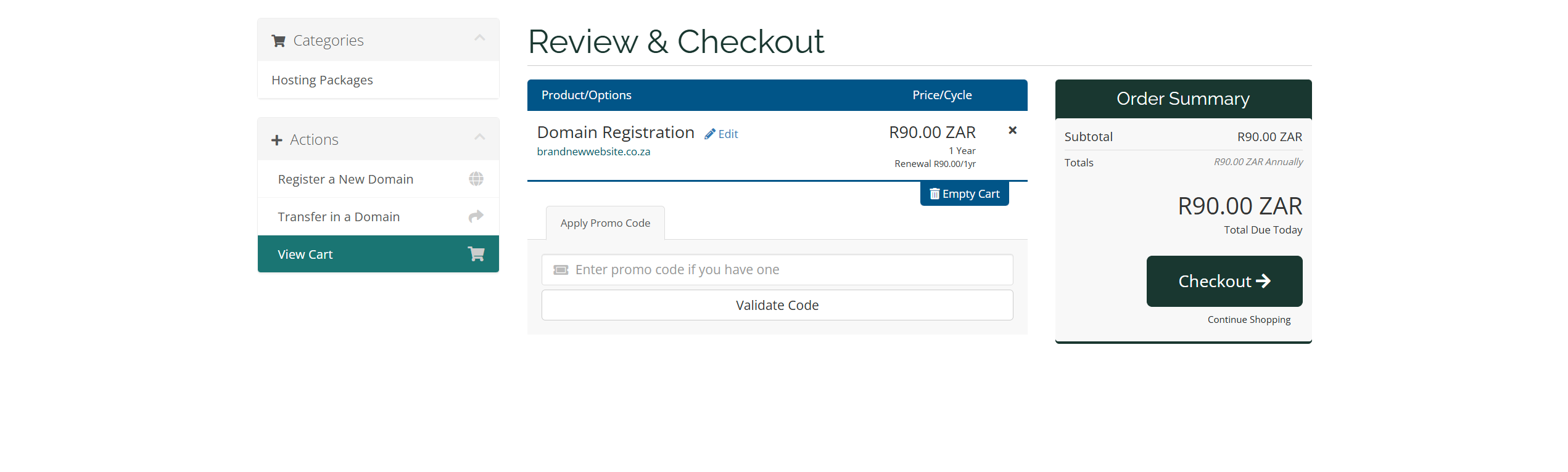
Review:
Double-check the domain name and review your order summary. When you're ready, click "Checkout."
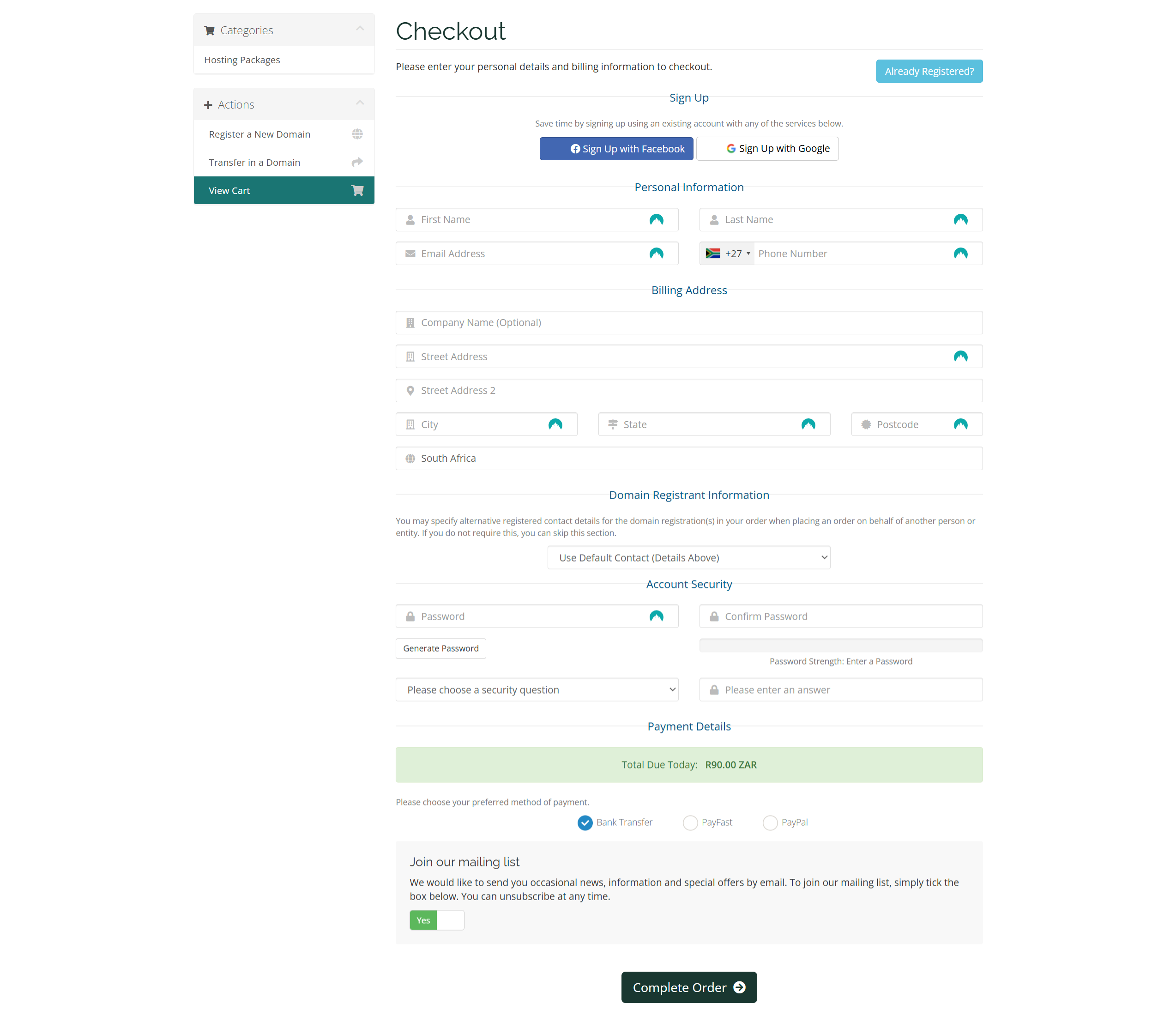
Create Your Account:
Fill in the required details under "Personal Information," "Billing Address," "Domain Registrant Information," "Account Security," and "Payment Details." Then, click "Complete Order."
Complete Payment:
Use our secure payment gateway to finalize your purchase.
If you already have a domain registered elsewhere, we make domain transfers simple and affordable, allowing you to manage your website, hosting, and domains from one easy-to-use dashboard.
Choose the Right Web Hosting
Now that you have a domain name, it’s time to choose a hosting package. Bowhosts offers a range of hosting plans to meet your website's needs, including email accounts, databases, and the industry-standard cPanel for easy management.